
A camera at my parents' house stopped loading on a Tuesday. Same app, same router, same port forwarded through the same firewall rule I'd set up two years earlier. Nothing at their end had changed. What had changed was the number I was pointing at: their provider swapped the house's public IP address overnight, and the address saved in my bookmark now belonged to a stranger.
That number is the one thing about your home network the rest of the internet actually sees. Every laptop, phone, and doorbell behind your router shares it, because the router translates all of them onto a single public address on the way out. Nothing unsolicited comes back through in the other direction, which is the entire reason port forwarding exists. And the address isn't really yours. Your provider lends it to you, and what gets lent gets taken back.
Why the number changes at all
Most residential connections are dynamic by design, and the mechanism isn't the one people usually assume. On a lot of consumer lines your address is attached to your session rather than to a countdown timer, so it moves when the session does: the line drops, the power cuts out, the modem gets unplugged for the afternoon, the provider reconnects your neighborhood after maintenance. Ordinary renewals hand back the address you already had, which is why yours can sit still for a year and start to feel permanent, then change on a Tuesday for no reason you were told about. A fixed address is normally a paid add-on, and on plenty of consumer plans it isn't sold at all.
How often this happens depends enormously on where you live, and the honest answer is lopsided. A RIPE Labs measurement study that watched around 3,000 probes across 929 providers found scheduled renumbering at only about twenty of them, almost all in Central Europe: Deutsche Telekom on a 24-hour cycle, Orange France on a weekly one. In North America there was no periodic pattern at all. Addresses hold for weeks or months and then a reconnection changes one. So when you read that home addresses rotate several times a day, that describes an unstable line, not a normal one.
IPv6 doesn't settle the question either. Your provider delegates a prefix to your router and every device derives its address from that prefix, so a provider that rotates the prefix changes the public address of everything in the house at the same moment. Meanwhile a growing share of customers sit behind carrier-grade NAT, sharing one public address with other subscribers, where inbound connections can't be made to work at all. There's a five-second test for that: compare the WAN address on your router's status page against what the internet reports for you. If the two disagree, you're behind CGNAT, and a WAN address anywhere from 100.64 to 100.127 is the same tell. Worth checking before you spend an evening on a port forward that was never going to work.
What breaks, and how silently
The failure looks the same every time. Something that worked yesterday times out today, and nothing anywhere says why.
- Port forwarding to anything at home: a NAS, a media server, a game server, a camera. The rule on the router is fine. The address you're aiming at from outside is the stale part.
- Remote desktop and SSH into a machine at home, for exactly the same reason.
- Allowlists. Work VPNs, hosting control panels, database endpoints and a good many SaaS admin consoles only accept a login from a known address. When yours moves you get a rejection that reads like a password problem.
- Dynamic DNS, which exists to paper over all of this and mostly does, right up until the updater stops running after a router firmware update or the free account lapses. Then the hostname keeps resolving, to the old address.
- Reputation. Addresses get recycled, so if the previous tenant was sending spam you inherit their CAPTCHAs and their blocks.
The public address isn't always the culprit, which is the other half of the problem. A home server that lost its DHCP reservation, a firmware update that wiped the forwarding rules, and a provider blocking ports 25, 80, and 443 on residential plans all look identical from outside: a connection that hangs and then gives up. Knowing whether your address changed, and on what date, is what lets you cross the first suspect off the list instead of testing all four in the dark.
You find out when something you depend on stops working, usually while you're away from home and can't fix it.
Proving your VPN is actually on
A VPN makes one visible promise: sites see the exit server's address instead of yours. Checking that promise means reading the address the internet reports for you with the tunnel off, then again with it on. If the number doesn't move, your traffic isn't going where you think it is. Tunnels drop, clients reconnect without saying so, and split-tunneling rules sometimes leave the browser outside while everything else goes through.
The city and country reported for an address are useful for the same check, since they tell you which exit you actually landed on when you picked a country deliberately. Two caveats worth stating plainly. That location is approximate, sometimes badly so, because it describes where the address is registered and not where you're sitting. And a changed address is not a clean bill of health. DNS and WebRTC leaks are separate problems with their own tools, and on a dual-stack connection a VPN that only tunnels IPv4 will leave your real IPv6 address in plain sight while the IPv4 check looks perfect. Which is a decent argument for knowing whether the address you're being shown is a v4 or a v6 one.
The support-call version
"What's your IP address" is roughly question two on any call with your provider, and reading it out without going hunting saves a few minutes. The more useful thing you can tell them is whether it changed. If the address is new this morning and the trouble started this morning, you've narrowed the problem to one thing. If it's the same address you've had since June, you've ruled that out and can move on to the router.
Why a lookup site answers the wrong question
There are hundreds of pages that will show you your address. They all answer "what is it right now," and the question you actually have is comparative: is this the same one as last week, and when did it change? A site with no memory of you can't answer that, and it can't answer it retroactively. You'd have had to write the number down on a day when you had no reason to care.
Keep it on the page you already open
Which is the argument for having it in front of you rather than looking it up. I keep a Network Information widget on the Linkamatic page my browser opens to. It shows the public address the internet sees for whichever device is looking, whether that's IPv4 or IPv6, the approximate city and country the address reports, and that location's time zone. Nothing to configure, nothing to click. It's in the same corner every morning.
Seeing a number daily is what makes a change register. After a few weeks your own address is about as familiar as your street number, and the morning it reads differently you notice before anything has broken.
Under it, a Recent IP addresses section lists the two addresses before your current one, each with the date it first showed up. That's the part no lookup site can do, because it needs a memory of your account. Linkamatic notes the address when you sign in, and only when it differs from the last one recorded, so the list reads as a record of changes rather than a log of visits. It's private to you: visitors to a public page and collaborators see the widget without that section.
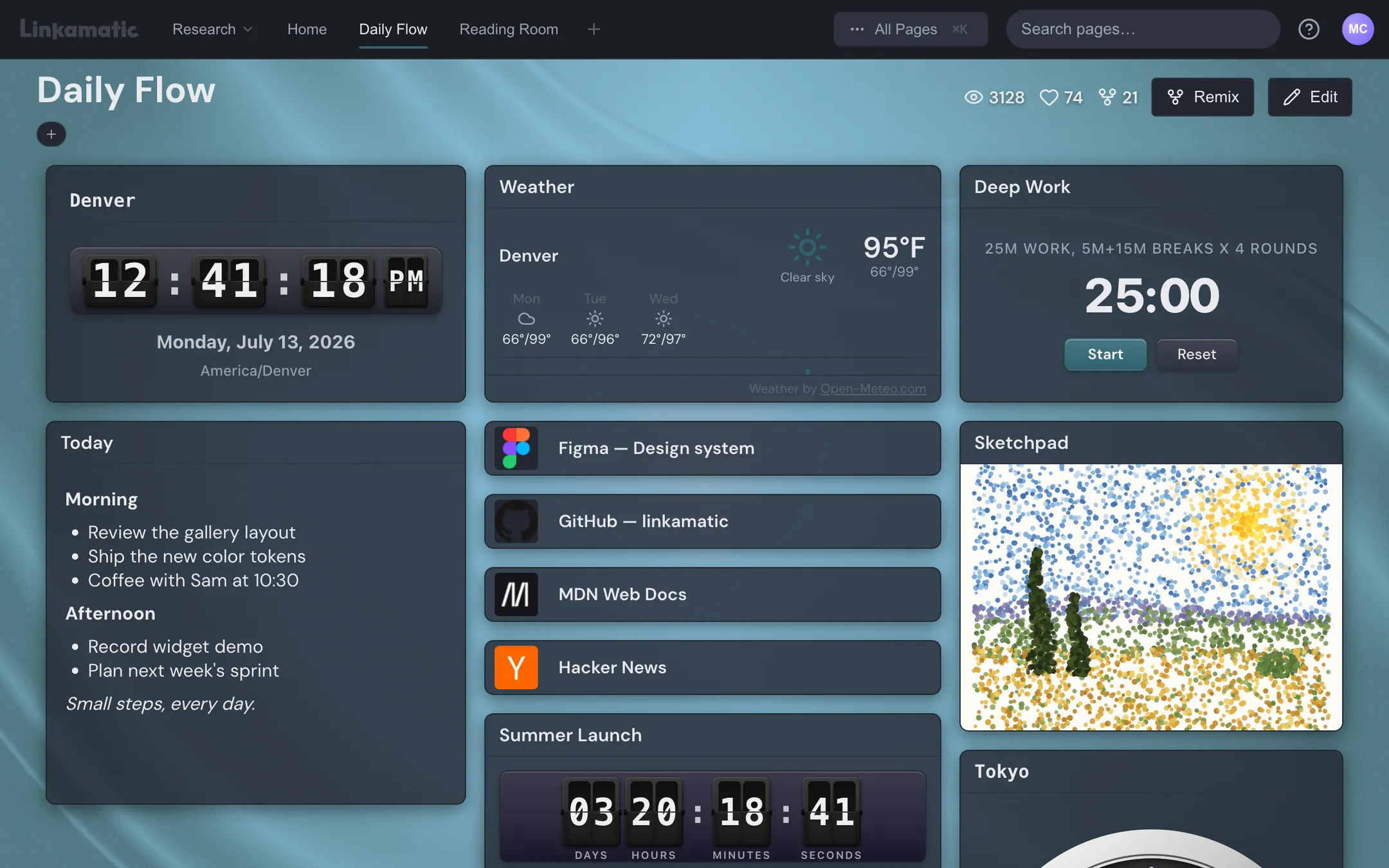
So when a camera stops loading, "did my address change, and when" has an answer already on screen. The date next to the new address tells you what to go re-enter: the allowlist, the port forward, the dynamic DNS record that stopped updating three weeks ago.
Two things to be straight about. The widget doesn't name your internet provider, because that isn't part of what reaches Linkamatic, and leaving it out beats guessing. And the speed test is a button, not a background task. Press Run speed test and it measures download, upload, and latency through Cloudflare's speed test, which moves a real amount of data and moves more of it the faster your line is, so it asks for confirmation before the first run and never starts on its own.
The rest of the page goes on doing its job around it: the links you open every day, the weather, a clock. The network readout costs you no attention at all until the day it's worth some.