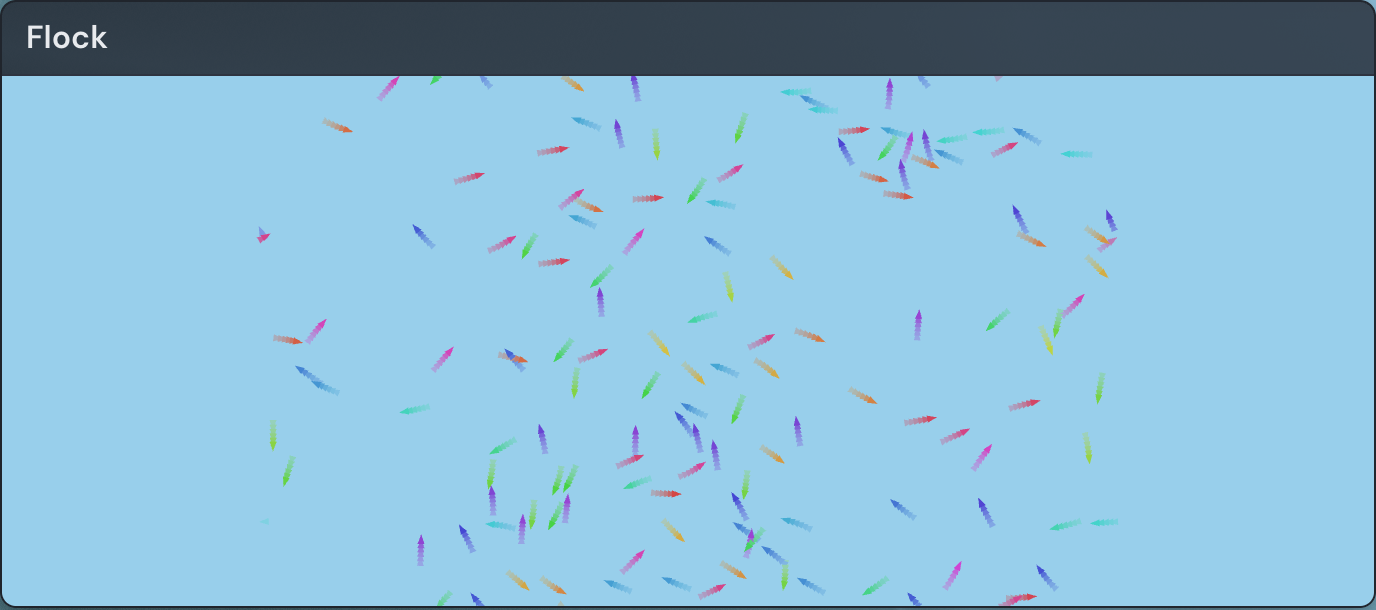
The Flock of Boids widget keeps a living, animated flock drifting across a spot on your page. Each small agent — a boid — steers on its own, so the group swirls, splits, and regroups without ever repeating, and it keeps moving whether or not anyone is watching. It is purely decorative: there is nothing to score or win. It also reacts to you, parting around your cursor as you move across it.
Adding the Flock of Boids widget
- Open the page you want to add it to and click Edit in the page header.
- Click Add Widget.
- Choose Flock of Boids from the picker.
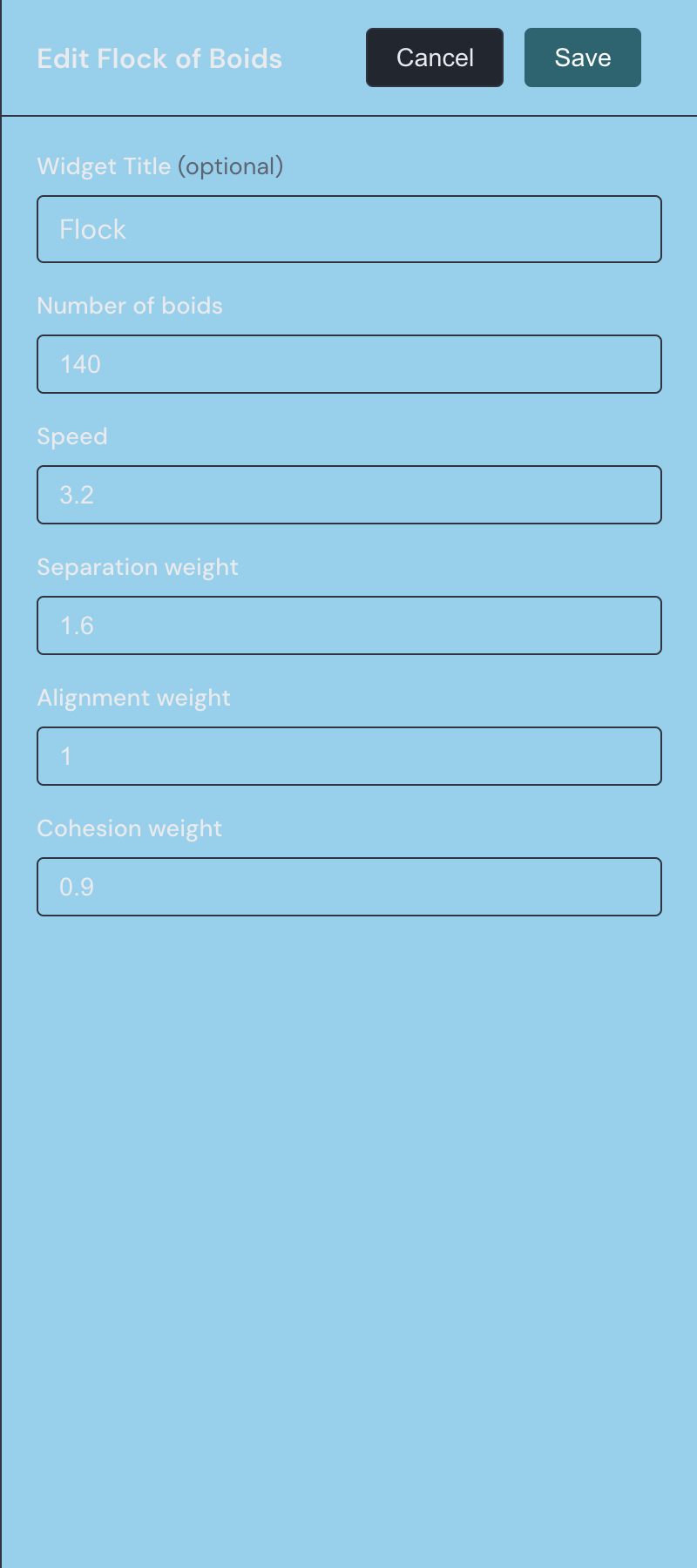
- Set the number of boids, speed, and rule weights you want (you can change them anytime) and save.
Settings
You can change any of these at any time, and the flock updates to match.
| Setting | What it does |
|---|---|
| Title | An optional heading shown above the flock. Leave it blank for no header. |
| Number of boids | How many agents fill the flock, from 10 to 250. The default is 120. |
| Speed | How fast the boids move, from 0.5 to 6. The default is 3. |
| Separation weight | How strongly each boid avoids crowding its closest neighbors, from 0 to 3. The default is 1.6. |
| Alignment weight | How strongly each boid turns to match the heading of nearby boids, from 0 to 3. The default is 1. |
| Cohesion weight | How strongly each boid steers back toward the center of the group, from 0 to 3. The default is 0.9. |
How the flock moves
Each boid follows three classic flocking rules at once. Separation keeps it from crowding its closest neighbors, alignment turns it to match the heading of the boids around it, and cohesion nudges it back toward the middle of the group. The three weights in the settings control how strongly each rule pulls, so a heavier separation weight spreads the flock out while more cohesion packs it tighter.
As they fly, boids leave a soft trail that fades after a moment, and each one is colored by the direction it is heading — so boids traveling the same way share a hue and read as a single stream. When a boid drifts off one edge of the widget, it reappears on the opposite edge.
Reacting to your cursor
By default the flock treats your pointer as something to avoid. Move your cursor over the widget and the boids nearest it steer away, parting around the pointer and closing back up as you pass. Press and hold the pointer button and the effect reverses: nearby boids gather toward the pointer until you let go. Move your cursor off the widget and the flock settles back into its undisturbed drift.
Sizing and placement
A new Flock of Boids widget starts at 16×9 cells — a wide, short footprint that suits the wide space the flock moves through. It looks good stretched across the top of a page as a moving banner, or filling a broad gap between other widgets. You can resize it down to a minimum of 8×5 cells, and larger footprints give the flock more room to roam.
The Flock of Boids sits in the Fun group of the widget picker. If you like animations that run on their own, the Game of Life widget is another one worth trying.