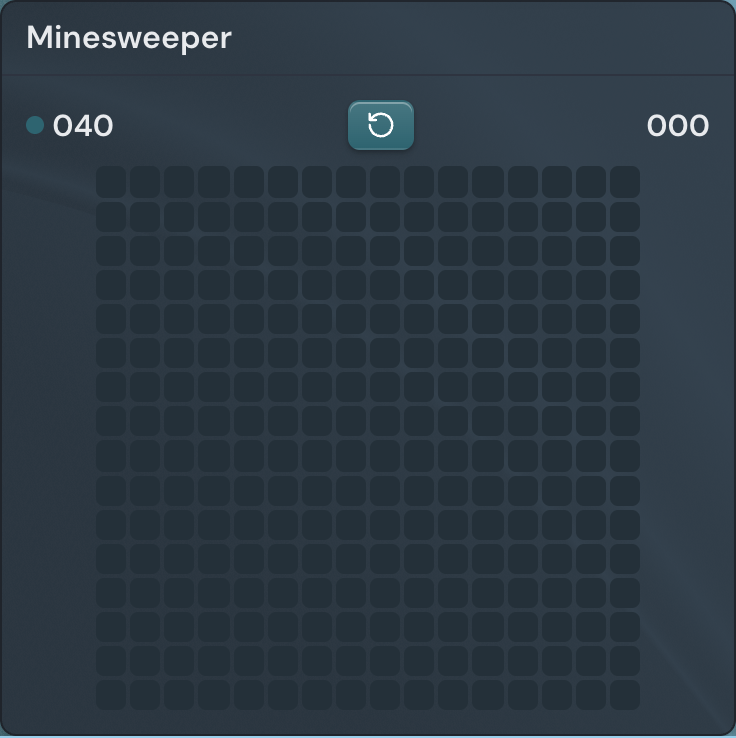
The Minesweeper widget drops a game of classic Minesweeper onto your page, drawn on a board that takes its colors from your active theme so it fits in with everything around it. It makes a good quick break between tasks, and because anyone who views the page plays their own separate round, it doubles as a bit of shared fun on a page you have shared with others.
Adding the Minesweeper widget
- Open the page you want to add it to and click Edit in the page header.
- Click Add Widget.
- Choose Minesweeper from the picker (it is in the Fun category).
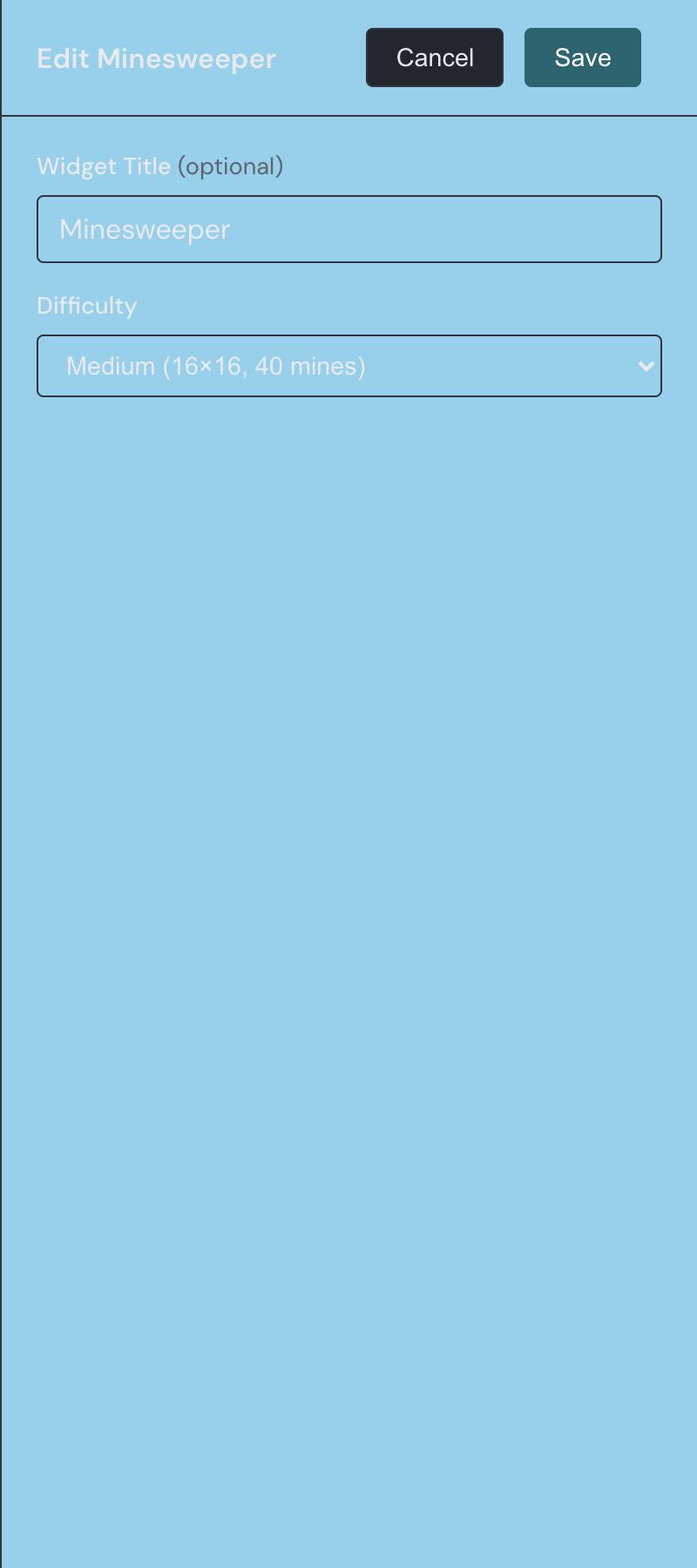
- Pick a difficulty, or set a custom board, give it an optional title if you like, and save.
Settings
| Setting | What it does |
|---|---|
| Title | An optional heading shown above the board. Leave it blank and no header appears. |
| Difficulty | Pick a preset — Easy (9×9, 10 mines), Medium (16×16, 40 mines), or Hard (16×30, 99 mines) — or choose Custom to build your own board. Medium is the default. |
| Rows | The number of rows on a custom board, from 5 to 20. Shown only when Difficulty is set to Custom. |
| Columns | The number of columns on a custom board, from 5 to 30. Shown only when Difficulty is set to Custom. |
| Mines | How many mines to hide on a custom board, from 1 up to one fewer than the total number of cells, so at least one safe cell always remains. Shown only when Difficulty is set to Custom. |
Playing a round
Minesweeper hides mines under a grid of cells, and your job is to reveal every cell that isn't a mine. Each safe cell you open shows how many mines sit in the cells immediately around it, and you use those numbers to work out which cells are safe and which to leave alone.
Click a hidden cell to reveal it. A cell that touches no mines opens up the whole safe area around it in one move, which gives you a foothold to reason from. Your very first reveal of each round is always safe, so you never lose on the opening click.
When you are fairly sure a cell hides a mine, right-click it to plant a flag, and right-click again to clear the flag. On a touch screen, press and hold the cell instead. A counter at the top of the widget tracks how many mines are left to find — the total minus the flags you have placed — and a timer starts the moment you make your first reveal. Clear the last safe cell and the board celebrates a win; set off a mine and every mine is revealed and the round ends.
Starting a new game
The restart button — the circular arrow between the two counters at the top of the widget — deals a fresh board at any time. It uses the same difficulty you configured, so the size and mine count stay the same and only the layout changes.
Minesweeper is one of a few playable widgets. If you would rather watch than click, try the Game of Life and Boids widgets, which animate on their own.